
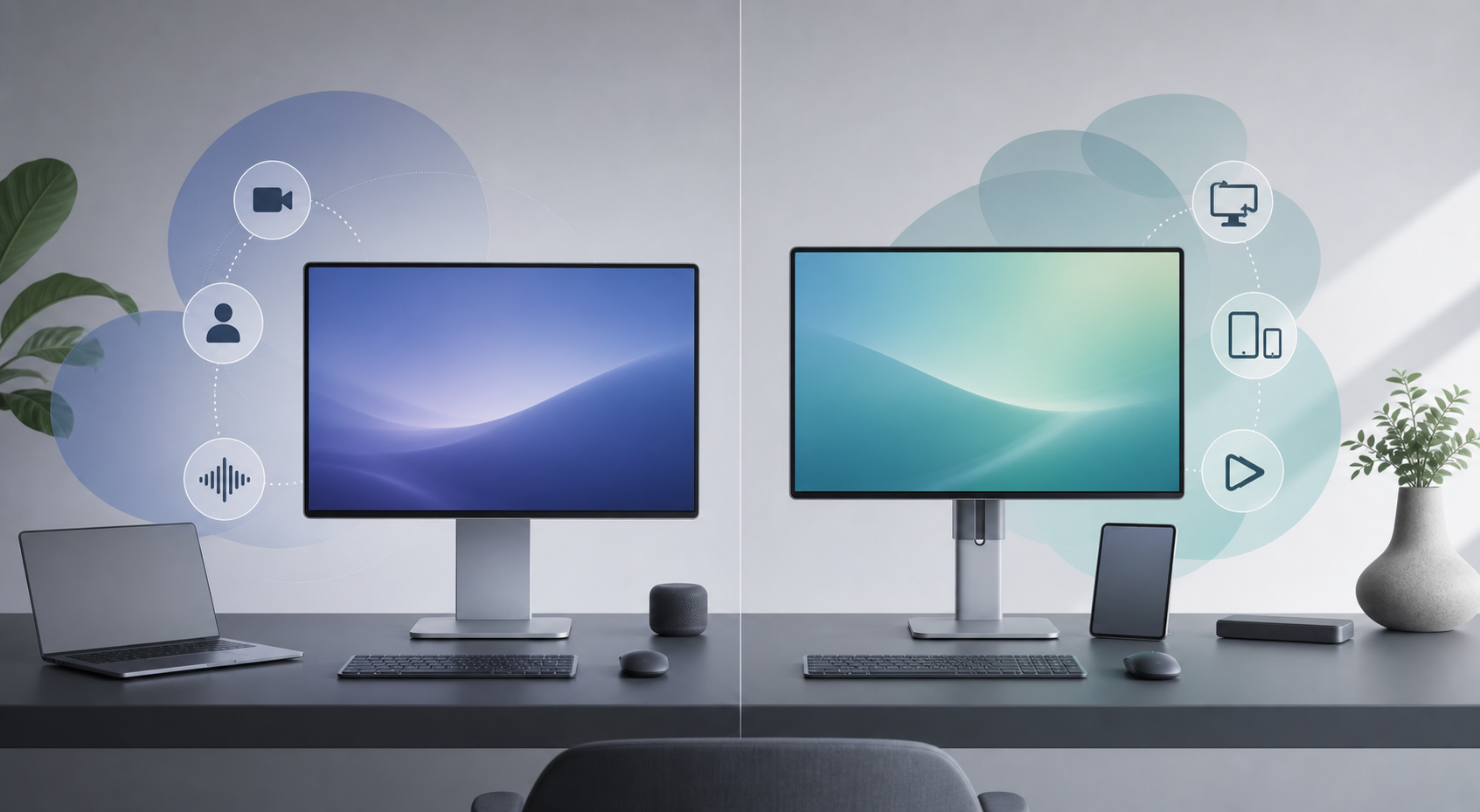
Scope of This Comparison
Despite the common search phrase “Apple 4K monitor vs Samsung 4K monitor,” neither display in this comparison is 4K. We are comparing the 27-inch Apple Studio Display introduced in 2026 with the 27-inch Samsung ViewFinity S9 5K, model S90PC (US SKU LS27C900PANXZA). Both use a 5120-by-2880 resolution.
That distinction matters. A 27-inch 5K monitor can present macOS at a sharp Retina-style scale while preserving more workspace than a typical 27-inch 4K display. This article is based on manufacturer specifications; it is not a hands-on test.
The Samsung debuted in 2023, while the Apple model is a 2026 refresh. Check availability and warranty coverage before ordering.
Quick Answer
Choose the 2026 Apple Studio Display if you use a compatible Apple-silicon Mac and want the most cohesive single-cable setup. Its strong case is not a higher-resolution panel—it has the same basic resolution, brightness, and refresh rate as the Samsung—but its 12MP Center Stage camera with Desk View, six-speaker system, three-microphone array, macOS reference modes, and Thunderbolt 5 hub functionality.
Choose the Samsung ViewFinity S9 if flexibility matters more. It works with Mac and Windows systems, provides Thunderbolt 4 plus Mini DisplayPort and USB-C connectivity, and includes height adjustment, tilt, pivot, and VESA compatibility. Its matte panel, detachable 4K SlimFit camera, Smart Calibration, and standalone streaming features also make it a more adaptable mixed-use monitor.
Neither is the right choice for high-refresh gaming or serious HDR mastering. Both top out at 60Hz, and the standard Studio Display should not be confused with Apple’s more capable Studio Display XDR.
Key Differences
- Apple is the integrated Mac choice. The camera, microphones, speakers, reference modes, and Thunderbolt 5 connections form a polished all-in-one desk setup.
- Samsung is the more flexible hardware package. Height adjustment and portrait rotation are included, and its broader input selection better accommodates mixed computers.
- Samsung adds standalone entertainment. Smart TV apps, Gaming Hub, built-in speakers, and a remote let it operate without a connected computer for supported services.
- Apple has the newer connection standard. It supplies two Thunderbolt 5 ports, including a downstream port for fast accessories or display daisy-chaining, plus two USB-C ports.
- Their core display specifications are remarkably similar. Both are 27-inch IPS-class 5K screens rated at 600 nits and 60Hz, so workflow features may matter more than headline image specifications.
Apple Studio Display vs Samsung ViewFinity S9 Specs
| Feature | Apple Studio Display (2026) | Samsung ViewFinity S9 5K (S90PC) |
|---|---|---|
| Screen | 27-inch 5K Retina display | 27-inch 5K IPS display |
| Resolution and density | 5120 x 2880, 218 ppi | 5120 x 2880, 218 ppi |
| Brightness | 600 nits | 600 cd/m² typical |
| Refresh rate | 60Hz | 60Hz |
| Color features | P3 wide color, True Tone, reference modes | 99% DCI-P3, factory calibration, Smart Calibration |
| Surface options | Standard glass or optional nano-texture | Matte display |
| Camera | 12MP Center Stage with Desk View | Included 4K SlimFit camera with Auto Framing in supported built-in apps |
| Audio | Six speakers, Spatial Audio support, three microphones | Built-in speakers with Adaptive Sound+ |
| Main connection | Thunderbolt 5 with up to 96W host charging | Thunderbolt 4 with up to 90W charging |
| Additional connections | Downstream Thunderbolt 5 and two USB-C | Mini DisplayPort and USB-C |
| Stand | Tilt standard; height-adjustable or VESA configurations available | Height, tilt, and 90-degree pivot; VESA 100 x 100 |
| Standalone apps | No | Smart TV apps and Gaming Hub |
Design and Desk Ergonomics
Apple offers the more unified visual package, but configuration matters. The standard Studio Display stand adjusts only for tilt. Height adjustment requires selecting a different configuration, while the VESA version replaces the stand rather than adding an adapter later. Decide how the display will sit on your desk before ordering.
Samsung includes a height-adjustable stand that tilts and rotates 90 degrees into portrait orientation. That is useful for long documents, coding, vertical photos, or simply aligning the panel with an existing display. Standard 100 x 100 VESA support also makes the S9 easier to incorporate into an arm-mounted setup.
Glare control is another practical distinction. Samsung uses a matte surface as standard. Apple offers standard glass or optional nano-texture glass, so rooms with windows or difficult overhead lighting may require a more deliberate—and potentially more expensive—Apple configuration.
Features
Apple puts more emphasis on replacing desk accessories. The 12MP Center Stage camera can keep a participant framed, while Desk View can show the desktop area. Three microphones and six speakers make the Studio Display appealing if you do not want separate conferencing equipment.
The 2026 model also moves to Thunderbolt 5. One upstream port connects and charges a compatible host at up to 96W; a downstream Thunderbolt 5 port can serve high-speed storage or another display, and two USB-C ports handle peripherals. Apple says compatible setups can daisy-chain multiple Studio Displays, although the number supported depends on the connected Mac.
Samsung’s features are broader rather than tied to one operating system. Smart Calibration uses a supported phone and the SmartThings app. The SlimFit camera attaches without a separate cable, while Smart TV apps and Gaming Hub support entertainment without a PC. Those extras suit a home office that doubles as a media space.
Display Performance
On published specifications, this is close. Both displays deliver 5120-by-2880 pixels at 218 ppi on a 27-inch screen, a rated 600-nit brightness, and a maximum 60Hz refresh rate. Both target color-conscious work: Apple supports P3, True Tone, and several macOS reference modes, while Samsung claims 99% DCI-P3 coverage, factory calibration, and smartphone-assisted Smart Calibration.
Those figures do not prove that the panels look identical. Uniformity, calibration drift, response behavior, and reflections require controlled measurement, so official specifications alone do not establish a universal image-quality winner.
The shared 60Hz limit is easier to judge. Office and creative work do not automatically require a faster panel, but motion and games will not look as fluid as on a 120Hz display. Buyers prioritizing HDR contrast or high-refresh gaming should consider another monitor class.
Battery and Laptop Charging
Battery runtime does not apply because both monitors require AC power. The relevant mobile-computing question is how much power they return to a connected laptop.
Apple provides up to 96W over its upstream Thunderbolt 5 connection, while Samsung provides up to 90W over Thunderbolt 4. Either is enough for many thin-and-light and creative laptops during normal use. Owners of systems with higher peak power requirements should check the laptop manufacturer’s charging guidance; a monitor can maintain a tidy one-cable desk without necessarily matching the computer’s fastest dedicated charger.
Compatibility
Verify Apple’s compatibility list before buying. The 2026 model officially supports specified Apple-silicon Macs running macOS Tahoe 26.3.1 or later and selected iPads on iPadOS 26.3.1 or later. That scope makes it less versatile for teams that regularly switch to Windows hardware.
Samsung explicitly positions the ViewFinity S9 for Mac and Windows PCs. Thunderbolt 4 provides the cleanest laptop connection, while Mini DisplayPort gives desktops another direct input. Samsung’s launch documentation notes that certain devices using macOS 13 may have limited compatibility; because that note concerns an older OS generation, current Mac owners should verify their exact hardware, cable, and software combination rather than assume the historical caveat still applies unchanged.
For multi-device desks, Samsung’s inputs are an advantage. For a current Mac-only desk, Apple’s system-level display controls, reference modes, camera behavior, and accessory integration are the stronger reason to stay within its ecosystem.
Price and Value
Do not compare these monitors using launch prices alone. Samsung’s model is older, so retailer discounts, remaining inventory, and warranty conditions may vary. Apple’s total cost changes with the glass and stand configuration, while Samsung includes height adjustment in its standard hardware package.
Check the current Apple Studio Display configuration and price and the current Samsung ViewFinity S9 price and availability. If their final prices are close, decide based on integration versus flexibility. If Samsung is materially discounted, its 5K panel and included ergonomic stand can make it the stronger value—provided the seller offers acceptable warranty and return coverage.
Apple Studio Display Is Better For
- Apple-silicon Mac users who want the most cohesive single-cable desk
- Frequent video callers who value Center Stage, Desk View, stronger built-in audio, and integrated microphones
- Creative professionals who use Apple’s reference modes and P3 workflows
- Buyers who need Thunderbolt 5 accessory bandwidth or supported display daisy-chaining
- Minimal workspaces where fewer external accessories are worth paying for
Samsung ViewFinity S9 Is Better For
- People who switch between Mac and Windows computers
- Buyers who want height adjustment, tilt, and portrait rotation included
- Bright rooms where a matte display is preferable
- Home offices that also use standalone streaming apps or cloud gaming services
- Value-focused shoppers who find the older model at a meaningful discount from a reputable seller
Final Recommendation
The 2026 Apple Studio Display is the better fit for a current Mac-centered workspace, especially when video calls, audio, streamlined controls, and a Thunderbolt hub are part of the purchase. Its advantage comes from the complete experience around the panel, not from a superior headline resolution or refresh rate.
The Samsung ViewFinity S9 is the more adaptable purchase. Its ergonomic stand, portrait mode, broader computer connectivity, matte finish, and smart platform cover more use cases without committing the desk to one ecosystem. It becomes particularly persuasive when its current street price is lower.
Choose Apple for integration; choose Samsung for flexibility. If your priority is fast gaming, high-impact HDR, or a larger canvas, skip both and compare monitors designed specifically for that job.
FAQ
Is the Apple Studio Display a 4K monitor?
No. The 2026 Studio Display has a 5120-by-2880 5K panel. The Samsung ViewFinity S9 in this comparison is also 5K, even though shoppers sometimes use “4K monitor” as a broad search term.
Does the Samsung ViewFinity S9 work with a Mac?
Samsung positions the S9 for both Mac and Windows computers and includes Thunderbolt 4. Verify your exact Mac, macOS version, and cable setup before purchase, particularly if you use older hardware or software.
Which monitor is better for video calls?
Apple has the stronger integrated conferencing package on paper: a 12MP Center Stage camera with Desk View, three microphones, and a six-speaker system. Samsung includes a detachable 4K SlimFit camera with Auto Framing in supported built-in apps, plus built-in speakers.
Can either monitor handle high-refresh gaming?
Both are limited to 60Hz. Samsung’s Gaming Hub adds convenient access to supported cloud services, but it does not change the panel’s maximum refresh rate. Competitive or motion-sensitive players should consider a higher-refresh monitor.
Which monitor is easier to adjust ergonomically?
Samsung includes height, tilt, and pivot adjustment. Apple’s base stand is tilt-only; height adjustment and VESA mounting are separate configurations selected when ordering.