
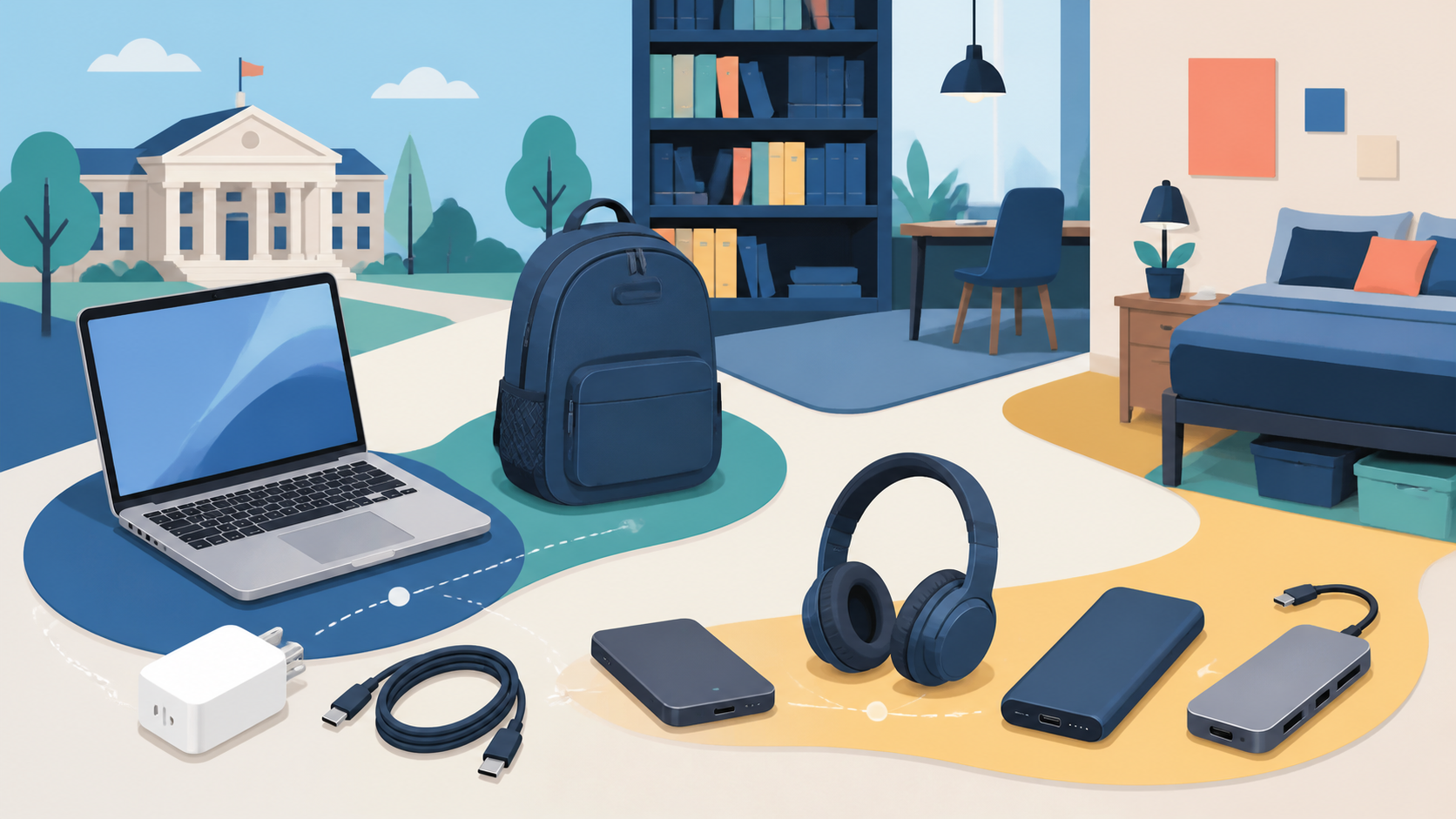
The best tech for college students begins with a department-compatible laptop, followed by charging, backup, communication, power, and ports only when needed. It is not the longest back-to-school shopping list.
That order matters more than choosing a fashionable brand. A tablet, smartwatch, second monitor, mechanical keyboard, or smart notebook may be useful for a particular student, but none deserves a universal place in the first purchase.
Best Tech for College Students: The Six Priorities
| Priority | Buy it when | Skip or delay it when |
|---|---|---|
| 1. Course-compatible laptop | Your program requires personal hardware or you need consistent access outside labs | A loaner, lab, or virtual desktop covers the complete course workload |
| 2. Charger and correct cable | One compact setup can charge the laptop and daily devices | The included charger already fits every study location |
| 3. Independent backup | Coursework exists only on the laptop or one cloud folder | Never skip backup; use a school-provided service if it meets the need |
| 4. Headphones or headset | Calls, recorded lectures, or shared study spaces are routine | You rarely use audio away from a private room |
| 5. Power bank | A normal day regularly outlasts access to a working outlet | Outlets are dependable and carrying extra battery weight adds no value |
| 6. Hub or adapter | A required display, storage device, card, or wired network needs a missing port | Every required device already connects directly |
Gearxis did not test a group of student products for this guide. The recommendations come from current university hardware requirements and official USB-IF, CISA, FAA, and CDC guidance, checked August 17, 2026. Prices, campus services, program rules, and device configurations can change, so verify them before ordering.
1. Buy the Major-Compatible Laptop, Not the Popular Laptop
The correct laptop is the one that satisfies your department’s operating-system, processor, memory, graphics, storage, webcam, security, and exam requirements. Check the university and department pages, then email the program when the wording is unclear. A campus-wide recommendation may not cover engineering, architecture, design, data science, or media production.
The differences are not theoretical. Virginia Tech’s general 2026-27 engineering requirement specifies Windows 11, 32GB RAM or more, at least a 500GB SSD, and a discrete NVIDIA GPU for most engineering majors. Its linked Computer Science specification is an exception that publishes supported baselines for both PCs and Macs. That distinction is exactly why students should check the page for their specific department rather than rely on a campus-wide label.
By contrast, the University of Iowa Engineering recommendations allow Windows 11, macOS, or Linux, list at least 16GB RAM and 500GB SSD storage, and provide remote access to a college Windows environment for most required software. The same “engineering student” label therefore leads to different hardware decisions.
Use this pre-purchase checklist:
- exact operating system and processor architecture;
- minimum and preferred RAM and storage;
- integrated versus discrete graphics requirement;
- software licensing and whether it runs locally or through a virtual lab;
- webcam, microphone, ports, and external-display needs;
- warranty length and accidental-damage options;
- repair turnaround and campus loaner availability;
- weight including the charger, not laptop weight alone.
Do not assume an iPad, Android tablet, or Chromebook replaces a laptop. It may be an excellent second device for notes and PDFs, but only the department can confirm that its browser, exam software, coding tools, lab interfaces, and specialist applications cover the full curriculum.
2. Simplify Charging With One Verified Kit
A compact charger can reduce bag weight, but wattage and cable capability must match the devices. Record the laptop maker’s required or recommended USB-C input, then choose a charger with enough output in the port combination you will actually use. A multi-port charger’s single-port maximum may differ from its output while several devices are connected.
The cable is part of the charging system. USB-IF requires certified USB-C-to-USB-C cable categories to show 60W or 240W power capability. Except for the High-Speed USB 2.0 category, certified cables must also carry the supported data-rate marking. Connector shape alone does not reveal either capability.
Buy a second charger only when it removes a recurring problem—for example, one remains at the desk while the other lives in the bag. Labeling the cable and charger as a pair can also prevent an unknown cable from becoming the weak link before class.
3. Make Backup Part of the Purchase
A laptop is replaceable; a semester of local notes, research, code, photographs, or project files may not be. CISA recommends frequent backups to a secure external drive or a properly vetted cloud service. It also recommends encryption for computers and removable media.
A practical student setup can use the school’s approved cloud storage for continuous working-file synchronization and an external SSD for periodic independent copies. The exact combination depends on storage quotas, research-data rules, internet access, and whether the files contain protected information. Ask the institution before putting restricted lab, health, or participant data into a personal cloud account.
Verify recovery before trusting the system. Restore one ordinary folder and confirm that version history or deleted-file recovery works. An external drive permanently attached to the laptop is convenient storage, but it is less independent from theft, damage, or malware than a drive stored separately after backup.
4. Choose Headphones for Communication First
For college use, microphone clarity, comfort, replaceable ear tips or pads, wired fallback, and reliable device switching may matter more than maximum bass or a long feature list. Over-ear noise canceling can help in steady library or travel noise; compact earbuds are easier to carry. Neither form is automatically correct for long sessions.
Check compatibility with the laptop and phone, plus the tools used for classes and interviews. A 3.5mm cable or USB audio option can provide a useful fallback when Bluetooth is restricted or the battery is empty.
Noise cancellation is not permission to raise the volume. CDC says headphones at their highest setting can reach harmful levels and advises turning the volume down. Comfort during a ten-minute try-on also does not prove comfort through a long lecture, so use a return policy when fit is uncertain.
5. Add a Power Bank Only After Mapping the Day
Before buying a battery, walk through a normal class day. Record hours away from the desk, the laptop’s real charging opportunities, device input requirements, and whether campus outlets are dependable. A phone-only battery is smaller; charging a USB-C laptop requires appropriate output, capacity, and a compatible cable.
For US air travel, inspect the watt-hour marking. FAA says power banks are spare lithium batteries and must stay in carry-on baggage. Lithium-ion batteries are generally limited to 100Wh each; batteries from 101Wh through 160Wh require airline approval and are subject to quantity limits. Airlines may impose stricter rules.
Capacity printed in milliamp-hours does not by itself tell you how much useful energy reaches a laptop. Prefer a clearly marked watt-hour rating, verify the output protocol and wattage, and treat advertised device-charge counts as manufacturer estimates rather than Gearxis measurements.
6. Buy Ports for Known Equipment
A hub is useful only when it connects something required: a classroom projector, Ethernet jack, external SSD, camera card, lab device, keyboard, mouse, or dorm monitor. List those connections first, including the display’s resolution and refresh rate, then buy the smallest adapter that covers them.
Verify the computer’s host-port capabilities, the hub’s upstream data rate, delivered charging power, display support, cable length, and simultaneous-use limits. Several downstream ports share one host connection, so their individual maximums should not be added together as though every device receives that rate at once.
Keep a simple single-purpose video adapter if presentations are critical and the all-in-one hub is complicated. A hub should reduce uncertainty, not create a chain that is difficult to troubleshoot five minutes before class.
For a deeper compatibility checklist, read the Gearxis guide to USB-C hub problems buyers should check.
What Not to Buy Yet
Delay a tablet until handwriting, annotation, drawing, field data, or a particular accessibility workflow makes it more useful than the laptop you already carry. Delay a second monitor until you know the available desk space. Delay a printer until you have checked campus printing access and course submission rules.
Tracking tags, smart notebooks, portable scanners, webcams, keyboards, and gaming accessories can all solve real problems, but they belong after the six core dependencies. A discount does not turn an unused device into value.
Also configure the free protections before adding more hardware: device encryption, automatic updates, a password manager, multifactor authentication, screen lock, and the university’s device-recovery instructions. CISA recommends MFA and timely software updates as basic online protections.
The Gearxis Five-Gate Rule
Before every purchase, answer these questions in order:
- Academic gate: Does a course, department, exam, or accessibility requirement demand it?
- Mobility gate: Does it solve a problem during the hours you are actually away from your desk?
- Power gate: Can the current charger and campus outlets already cover the day?
- Loss gate: Does it protect irreplaceable work or reduce the cost of failure?
- Frequency gate: Will it be used every week, or is it for one hypothetical situation?
Buy when the device passes a gate you can document. Borrow, use campus resources, or wait when the need remains hypothetical. This approach may produce a shorter shopping list, but it is more likely to produce a kit you carry and use.
A sensible college setup begins with one compatible laptop, a dependable charging path, and recoverable data. Headphones, portable power, and ports follow only when the student’s schedule proves the need.