
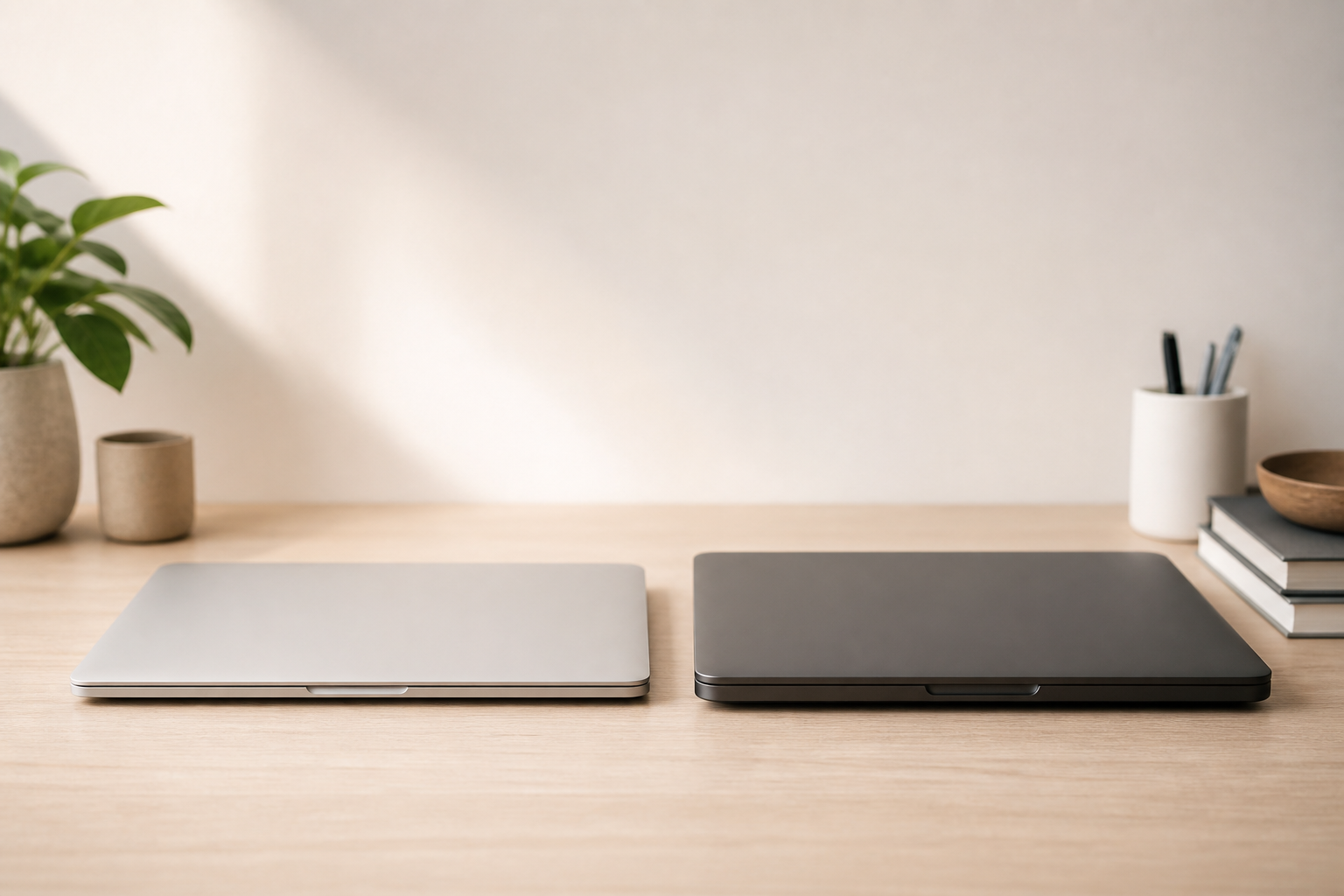
Scope of This Comparison
This guide compares Apple’s 2026 MacBook lineup based on Apple’s published specifications and product pages:
- MacBook Air (M5) — 13-inch and 15-inch
- MacBook Pro (14-inch, M5) — entry Pro with the same M5 chip family
- MacBook Pro (14-inch / 16-inch, M5 Pro or M5 Max) — higher-tier Pro configs
Gearxis has not hands-on tested these machines for this article. Specs, battery claims, and feature differences below come from Apple’s tech specs and announcements. Always confirm the exact SKU on Apple’s site before you buy — configurations can vary.
Quick Answer
If you want a light, quiet laptop for school, office work, browsing, media, and lighter creative apps, choose the MacBook Air (M5).
If you regularly do long exports, heavy multitasking under load, need a brighter ProMotion display, or want HDMI and an SD card slot without adapters, choose a MacBook Pro.
For many people, the Air is the smarter default. The Pro is the better tool when your work keeps the machine busy for long stretches — or when the Pro display and ports will save you friction every week.
Key Differences
- Cooling: Air is fanless. Pro uses active cooling, which helps during long, demanding jobs.
- Display: Air uses Liquid Retina (500 nits, 60Hz). Pro uses Liquid Retina XDR with ProMotion up to 120Hz and much higher peak brightness for HDR.
- Ports: Air has MagSafe 3, two Thunderbolt 4 ports, and a headphone jack. The 14-inch M5 Pro adds a third Thunderbolt port, HDMI, and an SDXC slot.
- Chip options: Air stays on M5. Pro starts on M5 and climbs to M5 Pro / M5 Max for heavier creative and developer workloads.
- Size and weight: A 13-inch Air is about 2.7 lb; a 14-inch M5 Pro is about 3.4 lb (per Apple). You feel that difference on a daily commute.
- Battery claims (Apple): Air up to 18 hours video streaming; 14-inch M5 Pro up to 24 hours video streaming. Real life varies with brightness and apps.
- Wireless note: Current M5 Air lists Apple’s N1 chip with Wi‑Fi 7 and Bluetooth 6. The 14-inch M5 Pro still lists Wi‑Fi 6E / Bluetooth 5.3 on Apple’s tech specs page — check your exact model if wireless standards matter to you.
Comparison Table
| Area | MacBook Air (M5) | MacBook Pro (M5 / M5 Pro / M5 Max) |
|---|---|---|
| Best for | Everyday work + light creative tasks | Sustained workloads + pro display/ports |
| Sizes | 13.6″ and 15.3″ | 14.2″ and 16.2″ (tier-dependent) |
| Cooling | Fanless | Active fans |
| Display | Liquid Retina, 500 nits, 60Hz | Liquid Retina XDR, ProMotion up to 120Hz |
| Typical ports | MagSafe 3, 2× Thunderbolt 4, headphone | MagSafe 3, 3× Thunderbolt, HDMI, SDXC, headphone |
| Chip path | M5 | M5 → M5 Pro → M5 Max |
| Travel feel | Excellent | Good, but heavier |
| Noise under load | Silent | Fans may spin up |
Port counts and wireless details depend on the exact Pro model (base M5 vs M5 Pro/Max). Confirm on Apple Support tech specs for your SKU.
Design
Both lines keep Apple’s modern aluminum laptop look: thin lids, large trackpads, and MagSafe charging. The Air prioritizes thinness and quiet operation. The Pro prioritizes a denser chassis that can cool harder work and fit more I/O.
If you carry a laptop every day — campus, cafe, flights — the Air’s weight and silence are the everyday win. If the machine spends half its life on a desk with a monitor and cable stack, the Pro’s extra thickness is usually a fair trade.
Color choices differ by line (Air includes finishes like sky blue, midnight, starlight, and silver on the M5 generation).
Features
What both do well
- Apple silicon + macOS for a smooth everyday experience
- Strong trackpad and keyboard family design
- 12MP Center Stage camera on current M5-era models
- Touch ID and MagSafe charging
- Long software-support expectations relative to typical Windows PCs (exact year counts are never guaranteed)
Where the Air feels friendlier
- Truly silent under normal use
- Easier “default MacBook” decision for non-specialists
- Excellent grab-and-go size, especially the 13-inch
Where the Pro earns its name
- Brighter XDR panel with ProMotion smoothness
- HDMI + SDXC without hunting for dongles (on current 14-inch M5 Pro)
- Higher chip tiers (M5 Pro / M5 Max) when you need more CPU/GPU and memory headroom
- A six-speaker system on the M5 Pro models versus the Air’s four-speaker setup
One purchase rule matters more than the Air vs Pro debate: unified memory is not user-upgradable. If you keep dozens of browser tabs, IDEs, and creative apps open together, configure enough memory on day one.
Performance
For email, documents, classes, streaming, light photo edits, and coding, an M5 MacBook Air and a 14-inch M5 MacBook Pro can feel similarly snappy in short bursts. Apple puts the same M5 CPU class in both entry machines.
The gap shows up when work is sustained:
- long video exports
- effects-heavy timelines
- large local compiles
- VMs / containers left running
- long GPU sessions
The Air’s fanless design is wonderful for quiet days — and it can thermally limit long heavy jobs compared with a cooled Pro. The Pro’s fans are the point: they help the chip stay productive when you lean on it for an hour, not just five minutes.
If your work already needs M5 Pro or M5 Max class GPUs and higher memory ceilings, you are not really deciding “Air vs Pro.” You are deciding which Pro configuration fits the job.
This section is based on architecture and Apple’s product positioning — not a Gearxis lab benchmark suite.
Battery and Runtime
Apple’s published claims (video streaming tests) put the M5 Air around up to 18 hours and the 14-inch M5 Pro around up to 24 hours. Those are controlled test scenarios, not a promise for your brightness setting and Chrome tab count.
In practice:
- Either machine can cover a full workday for many people.
- Bright outdoor brightness, export jobs, and external displays shrink runtime on both.
- Do not buy the Pro only for “more battery” if you never leave home with it — buy it for display, ports, and sustained performance.
Compatibility
- Apps: Both run mainstream Apple silicon Mac apps. Older Intel apps may still work via Rosetta, with the usual caveats for niche plugins.
- External displays: Current M5 Air supports up to two external displays (per Apple). Pro options are generally stronger for desk setups — verify the limit for your chip.
- Adapters: Air owners more often need a small hub for HDMI/SD. Pro owners usually carry fewer dongles.
- Windows: No classic Boot Camp path — use virtualization if you need Windows.

Price and Value
Skip memorizing yesterday’s MSRP. Configurations and promotions move. Use live pricing:
- Check Current Price — MacBook Air
- Check Current Price — MacBook Pro
- Or compare on Apple’s Mac lineup page
Value rule of thumb
- The Air usually wins if your week is writing, meetings, classes, browsing, and light creative work.
- The Pro wins when time saved on exports, fewer adapters, or display quality shows up weekly.
- The awkward zone is a maxed-out Air sitting near a base Pro. At that point, decide by ports + display + cooling, not by chasing one more storage upgrade on the Air.
MacBook Pro Is Better For
- Video editors and motion designers who export often
- Developers with heavy local builds, containers, or multiple VMs
- Anyone who wants HDMI + SD without a pouch of adapters
- Buyers who care about ProMotion and a brighter XDR panel
- Users who need M5 Pro / M5 Max memory and GPU headroom
MacBook Air Is Better For
- Students, writers, analysts, and everyday productivity users
- Travelers who want the lightest quiet MacBook
- Light photo editing and coding that is not export-bound all day
- Buyers who want the Mac experience without Pro pricing and bulk
- Anyone upgrading from an older Intel Mac — where an M5 Air is already a major leap
Final Recommendation
If you are unsure, start with the 13-inch or 15-inch MacBook Air (M5) and spend your upgrade budget on unified memory before exotic storage. Most people feel RAM limits before they feel “I wish this had a fan.”
Choose MacBook Pro when at least one is true:
- your work keeps the CPU/GPU busy for long stretches,
- you need the Pro display or ports every week, or
- you already know you need M5 Pro / M5 Max.
There is no universal winner — only the machine that matches how many hours a week you actually stress a laptop.
FAQ
Is the MacBook Pro worth it over the Air for school?
Usually no. Most coursework fits the Air. Choose Pro if your classes are media-heavy or you specifically want the Pro display and ports.
Can the MacBook Air edit video in 2026?
Yes for many shorter 1080p/4K projects. If exporting is a daily bottleneck, the Pro’s cooling and higher chip tiers are the more comfortable path.
Should I buy more unified memory?
Often yes if you multitask hard. Memory is fixed at purchase, and that choice frequently matters more than Air vs base Pro.
13-inch Air vs 14-inch Pro — which travels better?
The Air. The 14-inch Pro is still portable for many people, but you will notice the extra weight and thickness.
Do I need M5 Pro / M5 Max, or is base M5 Pro enough?
Base M5 Pro is for people who want the Pro display/ports/thermals without Max-level GPU. Jump to M5 Pro/Max when you know you need higher core counts, more memory bandwidth, or heavier GPU workloads.
Will these 2026 models stay relevant for years?
Buying current M5-era hardware is usually the safer longevity bet than older clearance machines bought only for the discount. Exact support timelines are never guaranteed.