
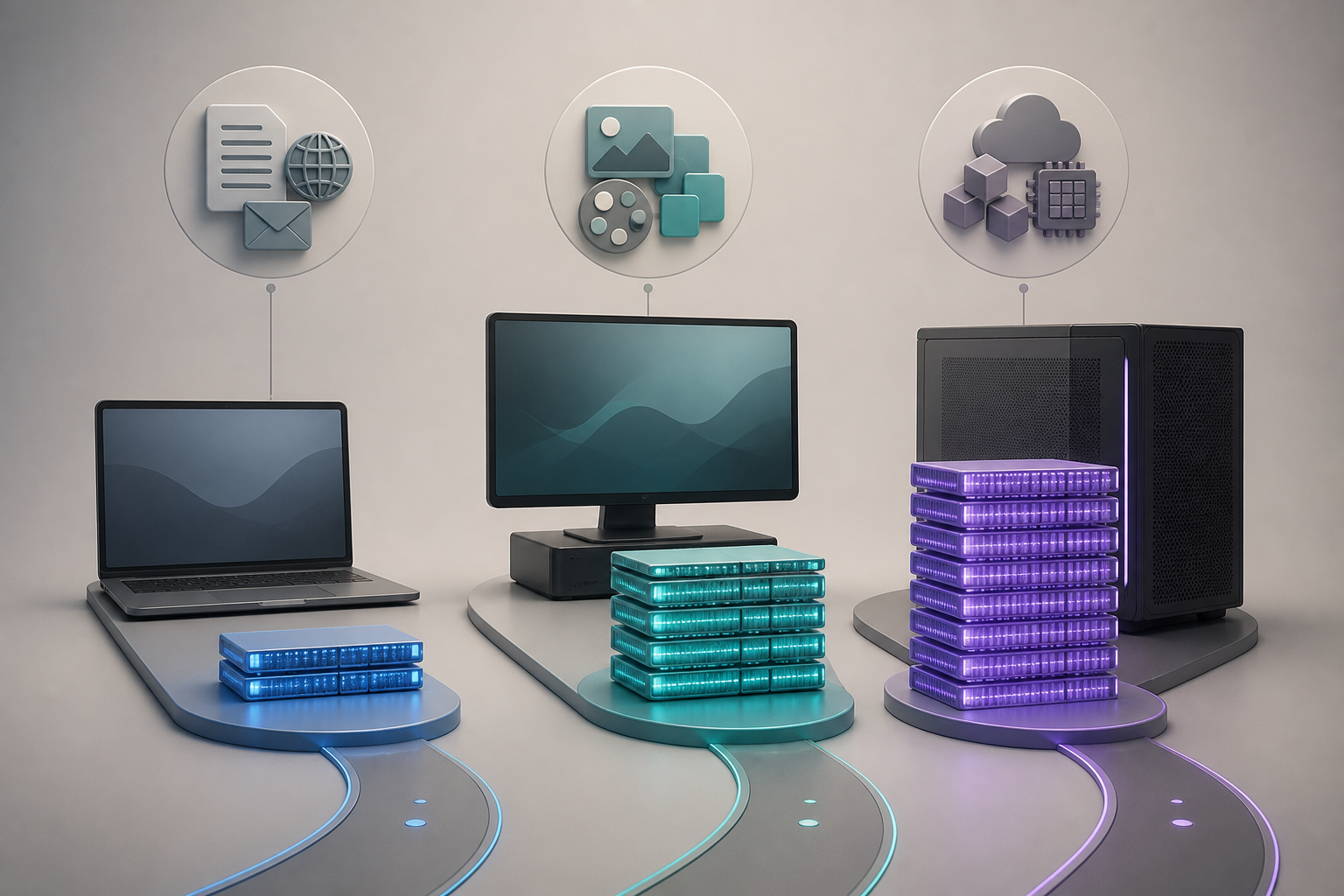
How much RAM do you need in 2026? For a new general-purpose computer, 16GB is the practical starting tier in this guide. Choose 8GB only for a controlled light workload and a firm budget. Choose 32GB when a named application, repeatable workflow, virtual machine, or local-compute task demonstrates that 16GB would be a constraint.
That answer is not a benchmark result or a universal rule. Memory demand changes with the operating system, applications, file sizes, browser behavior, integrated or discrete graphics, background services, and the way you multitask. Gearxis did not test three otherwise identical computers for this comparison. We used current Microsoft, Apple, and Adobe documentation, checked August 17, 2026, then built a measurement-first buying rule.
8GB vs 16GB vs 32GB at a Glance
| Capacity | Choose it when | Main compromise | Avoid it when |
|---|---|---|---|
| 8GB | Budget is strict and the complete workload is light, repeatable, and already proven within 8GB | Little margin for larger projects or simultaneous apps | Memory is fixed and you expect the workload to grow |
| 16GB | You combine browser, office, calls, media, light creation, or ordinary development | May still be tight for demanding media, VMs, data, or local AI | Your software recommends 32GB or measurements already show pressure |
| 32GB | 4K editing, larger creative files, multiple development services, VMs, or local models are verified needs | Higher cost with no automatic benefit when memory was not the bottleneck | You are buying it only as a vague future-proofing label |
The two jumps are equal in ratio: 16GB doubles 8GB, and 32GB doubles 16GB. The useful difference is not the percentage; it is whether the extra capacity prevents the operating system from compressing or moving active data to storage during your real work.
Why an Operating-System Minimum Is Not a Buying Target
Microsoft lists 4GB as the minimum memory for Windows 11. It also warns that specific applications and hardware may exceed the operating-system minimum. That number answers whether a PC meets an installation baseline, not how much memory your browser, meetings, games, editing tools, and background apps need together.
Application minimums require the same caution. A minimum often describes the smallest supported configuration for launching the software. A recommended configuration is more relevant to a buyer who expects to use that software regularly, but even a recommendation cannot describe every file, plugin, project, or simultaneous app.
Start with the heaviest workload you can name, not the least demanding task the computer can complete.
When 8GB Is Still a Defensible Choice
Eight gigabytes can be reasonable for writing, email, web applications, streaming, and school or office tasks when the workload is deliberately limited. It is easiest to defend on a low-cost computer that is not expected to run large local files, many communication tools, creative applications, development services, or games at the same time.
Current software demonstrates why the boundary matters. Adobe lists 8GB as the Photoshop minimum, but recommends 16GB or more. Premiere also lists an 8GB Windows minimum while recommending more for media work.
Choose 8GB only after answering yes to all three questions:
- Have you reproduced the complete workload—not one app at a time—on an 8GB computer?
- Can you accept closing tabs or applications when a heavier task begins?
- Is the price saving meaningful enough to accept less margin over the ownership period?
An upgradeable desktop or laptop changes the risk. Starting at 8GB is easier to justify when the manufacturer documents a supported path to 16GB or 32GB. On soldered or unified-memory hardware with no later upgrade, the initial saving permanently defines the ceiling.
Why 16GB Is the Starting Tier for Mixed Use
Sixteen gigabytes is not “unlimited,” but it aligns with current recommendations for several common creative workloads. Adobe’s June 2026 Photoshop requirements recommend 16GB or more on Windows and macOS. Its current Premiere requirements recommend 16GB for HD media on Windows and 16GB of unified memory for Apple-silicon Macs.
That makes 16GB a rational middle tier for a buyer who mixes office work with larger browser sessions, calls, photo editing, light HD video work, coding tools, and some gaming. The claim is about capacity margin, not guaranteed speed. A slow processor, weak graphics, insufficient storage, or poorly optimized application does not become fast merely because the computer has unused RAM.
Skip 16GB when your known workload already has a 32GB recommendation, when you regularly run several memory-heavy tools together, or when current measurements show sustained memory pressure. Conversely, do not pay for 32GB merely because a product page calls it “professional.”
When 32GB Has a Concrete Job
Thirty-two gigabytes earns its cost when it maps to a requirement you can verify. Adobe recommends 32GB or more for 4K-and-higher Premiere work on Windows. That does not mean every 4K edit will fail at 16GB, nor does it transfer automatically to unrelated programs. It is a current vendor recommendation for a defined workflow.
Development can also create a clear case. Multiple containers, local databases, large IDE projects, emulators, and virtual machines reserve or consume memory alongside the host operating system. Microsoft documents the default WSL 2 virtual-machine memory limit as 50% of total Windows memory, although actual use and configuration vary. A developer should measure the complete stack rather than count the code editor alone.
Local AI is another workload where model size, quantization, context, runtime, and other open applications determine memory fit. Thirty-two gigabytes is not a universal local-AI guarantee. Check the actual model file, runtime estimate, and context requirements. For Mac-specific configurations, the Gearxis local LLM Mac guide covers larger unified-memory tiers and explains why raw model weights are only the starting point.
Other legitimate 32GB cases include large layered images, substantial data sets, simultaneous creative applications, and several VMs. In each case, the reason is the workload—not the job title.
Gaming Does Not Have One RAM Answer
Games publish their own minimum and recommended requirements, and the rest of the computer still matters. Check the exact games, mods, texture packs, launchers, voice tools, browser, capture software, and streaming software you intend to run together.
Sixteen gigabytes can fit many gaming configurations, but this guide does not claim it fits every 2026 release. Thirty-two gigabytes is justified when the game’s official recommendation, a heavily modified setup, content creation while playing, or measured use points there. Buying more system RAM cannot compensate for inadequate graphics memory or a processor bottleneck.
Measure Before You Replace the Computer
The strongest evidence is your own repeatable workload on the current machine. Open the normal browser session, communication apps, files, development services, creative project, or game setup together. Use it long enough to reach the demanding part of the workflow.
On Windows, open Task Manager and select Memory in its resource view. Microsoft describes Task Manager as a real-time view of memory and other resource use. Record the installed memory, memory in use, available memory, and committed memory during the task. Also note whether closing one application materially changes responsiveness.
On macOS, open Activity Monitor → Memory. Apple says the Memory Pressure graph combines factors including free memory, swap rate, wired memory, and cached files. Apple also explains compressed memory, cached files, and Swap Used, so inspect those together rather than treating one “used memory” number as the complete result.
Do not compare a single “used” number across Windows and macOS as though their memory management were identical. Look for repeatable pressure, swap activity, application warnings, or a documented software requirement.
The Gearxis Three-Gate RAM Rule
Choose the smallest tier that passes all three gates:
- Workload gate: It meets the recommended memory for the most demanding software and project you actually plan to use.
- Evidence gate: Your current complete workload does not show repeatable memory pressure, disruptive swapping, or out-of-memory behavior at that capacity.
- Ownership gate: If memory cannot be upgraded, the tier includes reasonable room for a known workload change during the planned service life.
The rule makes 8GB a budget-specific choice, 16GB the mixed-use starting point, and 32GB a workload-backed upgrade. It also leaves room for the correct answer to be higher than 32GB when professional software, large VMs, data, or local models explicitly require it.
Storage is not a substitute for RAM. A larger SSD provides more file capacity and can hold swap data, but it does not increase physical working memory. If storage is the real problem, buy storage; if memory pressure is the problem, buy RAM.
For a new non-upgradeable computer in 2026, choose 8GB only with evidence, 16GB for mixed use, and 32GB for a requirement you can name. That is more defensible than buying by a generic “future-proof” label or by the lowest number that meets an operating-system minimum.