
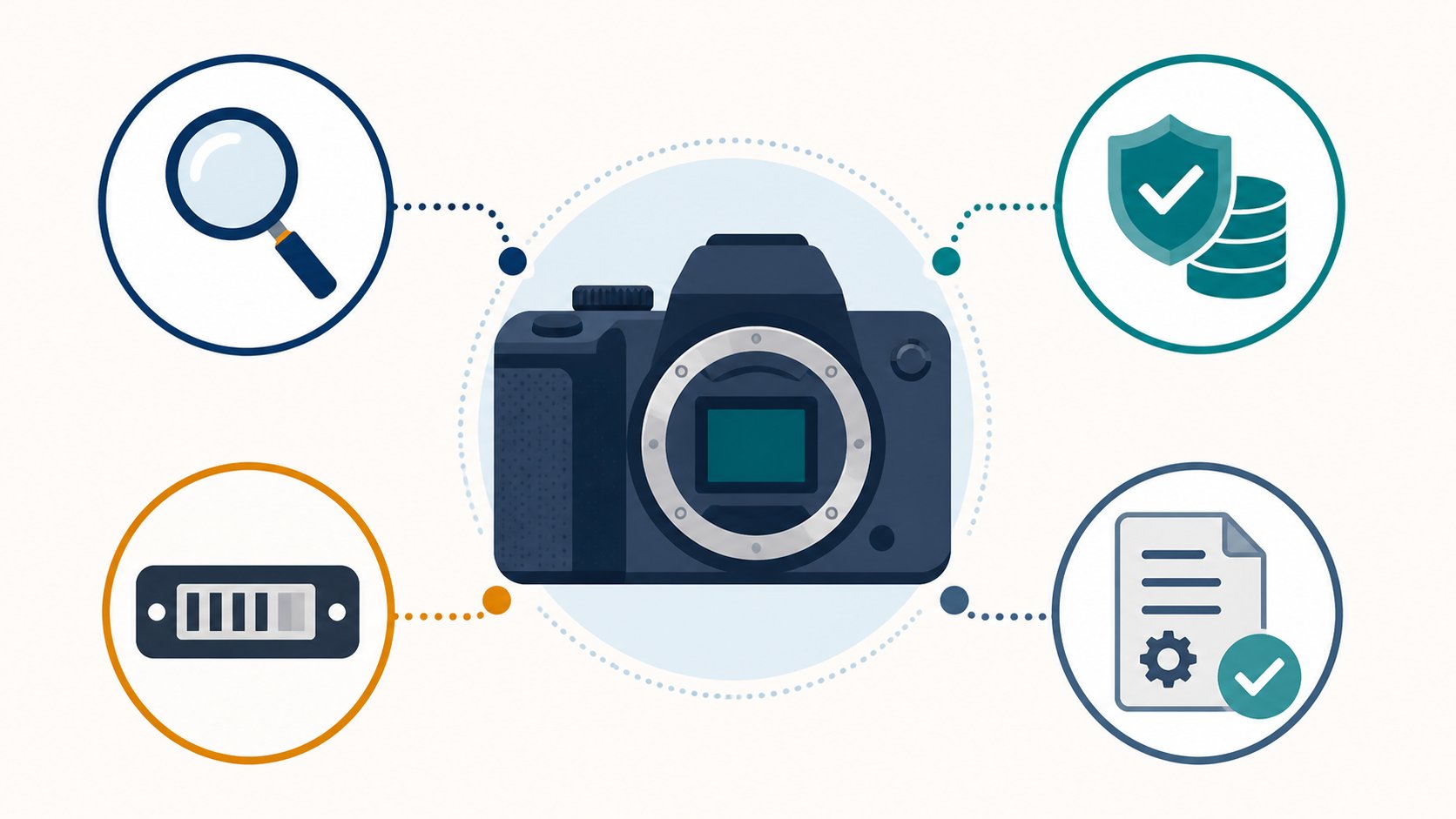
Learning how to check camera recalls before buying requires more than typing the model into a search engine. A camera can appear in a federal recall, a manufacturer safety notice, a technical service advisory, or a serial-number repair program. Those records do not always use the same label or appear in the same database.
The safest practical rule is simple: do not pay until you have passed four gates—exact product identity, official notice search, serial-number applicability, and remedy proof. If the seller cannot provide the information needed for one gate, pause the purchase rather than guessing.
This guide explains a research process, not a declaration that any specific used camera is safe. Gearxis did not inspect the item you are considering. Official instructions can change, so recheck them immediately before buying and follow the regulator or manufacturer’s current directions.
The Four-Gate Camera Recall Check
| Gate | Evidence required | Stop the purchase when |
|---|---|---|
| 1. Identify | Exact model, variant, and readable serial number | The listing is vague or the serial is hidden, altered, or unreadable |
| 2. Search | CPSC results plus the manufacturer’s advisory page | Only marketplace posts or general search summaries are available |
| 3. Match | Serial range, production mark, battery, lens, or accessory applicability | Official information and the available identifiers cannot determine whether the unit is affected |
| 4. Prove remedy | Matching repair receipt, service status, replacement proof, or written manufacturer confirmation | An affected unit has no verifiable completed remedy |
Passing the first three gates does not replace the fourth. A camera may be affected but repairable at no cost; another notice may have an expired service period. The purchase decision depends on the remedy’s present status, not merely the existence of an old announcement.
Gate 1: Capture the Exact Identity Before You Search
Ask the seller for a clear photograph of the model label and serial number before meeting or paying. Also request the model and serial in writing so you can copy them accurately. Compare the number on the body with the box, receipt, and repair paperwork when those records are included.
Sony’s serial-number guidance says a camera serial may appear on the bottom of the camera, the original box barcode, or the invoice or receipt. Location varies by manufacturer and model, so use the official support instructions rather than assuming every number on the body is the serial.
Record included batteries, chargers, battery grips, lenses, flashes, and straps as separate products. A safe camera body does not clear a recalled battery or affected accessory. Search those exact model numbers too.
A seller may blur a serial number in a public listing for privacy or fraud prevention. That is different from refusing to provide it privately to a serious buyer. If you cannot verify the number before the transaction, you cannot finish the check.
Gate 2: Search Both the Regulator and Manufacturer
Start with the U.S. Consumer Product Safety Commission recall search. It supports keywords, date ranges, hazards, and product categories, and provides downloadable recall and safety-warning data. Search the brand and model together, then repeat with the product family, battery model, and accessory names.
Do not stop after a zero-result search. CPSC says recall data updates weekly, while remedy information may change daily. More importantly, manufacturers maintain separate pages for service advisories, firmware notices, repair programs, and serial-number checks.
For example, Nikon’s Service Advisories page contains both technical service advisories for camera bodies and battery recalls. Canon maintains a product-advisory catalog, and Sony publishes model-specific support notices. Use the manufacturer site for the country where the product will be serviced; terms and service routes may differ by region.
Search variations such as:
- full model name and model code;
- model family without spacing or punctuation;
- battery, charger, grip, lens, and flash model numbers;
service advisory,safety notice,free repair, andaffected serial;- the same terms on the manufacturer’s official support domain.
A general web search is useful for discovering the official page. It is not the final evidence. Open the regulator or manufacturer page and record its URL, date, affected products, remedy, and contact route.
Gate 3: Determine Whether This Exact Unit Is Affected
Model-level matches are only the start. Read the notice for serial ranges, production dates, factory marks, country codes, battery lot numbers, or physical inspection instructions.
Nikon’s Z 9 technical service advisory illustrates why the serial matters. Nikon says some Z 9 cameras may contain parts that do not meet its quality standards. Its official checker uses the seven-digit serial printed behind the rear monitor to determine whether a unit is affected.
Do not assume that every unit sharing a model name is included. Also do not assume that a seller’s camera is clear because its number is absent from a forum post or screenshot. Enter the serial into the current official checker or contact the manufacturer’s support team when the notice instructs you to do so.
Save a dated screenshot or confirmation number for your records, but keep the official page link. A screenshot can show what you checked; it does not update itself when the manufacturer changes the program.
Gate 4: Verify That the Remedy Was Completed
When a serial is affected, ask for a service receipt or manufacturer status record that connects the remedy to the same unit. Useful evidence identifies the model or serial, service provider, date, work performed, and completion status. An invoice for an unrelated repair does not prove completion of the advisory remedy.
The Nikon Z 9 notice states that affected cameras receive inspection and necessary parts replacement at no cost, including shipping, even if the warranty has expired. That is favorable—but a used listing still needs evidence that the specific camera was cleared or repaired, or confirmation that the current owner can complete the process.
Remedies can also close. Sony’s SEL50F14Z lens notice lists affected serial ranges but says the free repair period ended October 31, 2019. The notice remains useful for identifying an affected lens; it does not promise a current free repair.
Before buying an unresolved unit, contact the manufacturer with the serial number and ask:
- Is this exact unit affected?
- Is the remedy still available in the United States?
- Is the remedy transferable to a second owner?
- What documentation is required?
- Must use stop until service is complete?
- Who pays shipping, inspection, parts, and return delivery?
Keep the written answer. If support cannot confirm a remedy, price the item as unresolved—or walk away.
Immediate Reasons to Stop the Purchase
Do not continue when the official notice says to stop using, charging, or selling the product. Follow its instructions instead of testing the fault yourself.
Other practical stop conditions include:
- a removed, altered, duplicated, or unreadable serial label;
- a serial that does not match the box or repair record;
- an affected battery included without replacement evidence;
- a seller who claims repair but cannot identify who performed it;
- a region-specific import that local support will not service;
- a remedy that has expired with no documented repair;
- pressure to pay before you can verify the official record.
An attractive price does not compensate for unknown repair eligibility, shipping cost, downtime, or safety instructions. The correct comparison is not affected camera versus unaffected camera at the same sticker price. It is total verified cost and risk after the remedy.
What to Save After the Check
Keep a small purchase record containing the listing, seller’s serial photo, official notice links, search date, checker result, receipt, and any support correspondence. Store it with the purchase receipt. This record can help if the notice changes, the unit is resold, or a future owner needs to show that service was completed.
The four-gate method is intentionally stricter than trusting a listing. Exact identity prevents model confusion. CPSC and manufacturer searches cover different notice types. Serial matching identifies the actual unit. Remedy evidence closes the loop.
If all four gates pass, continue with the normal checks for shutter count, sensor condition, autofocus, card slots, battery health, ports, weather sealing, return rights, and seller reputation. Recall clearance is one buying condition, not a complete camera inspection.