
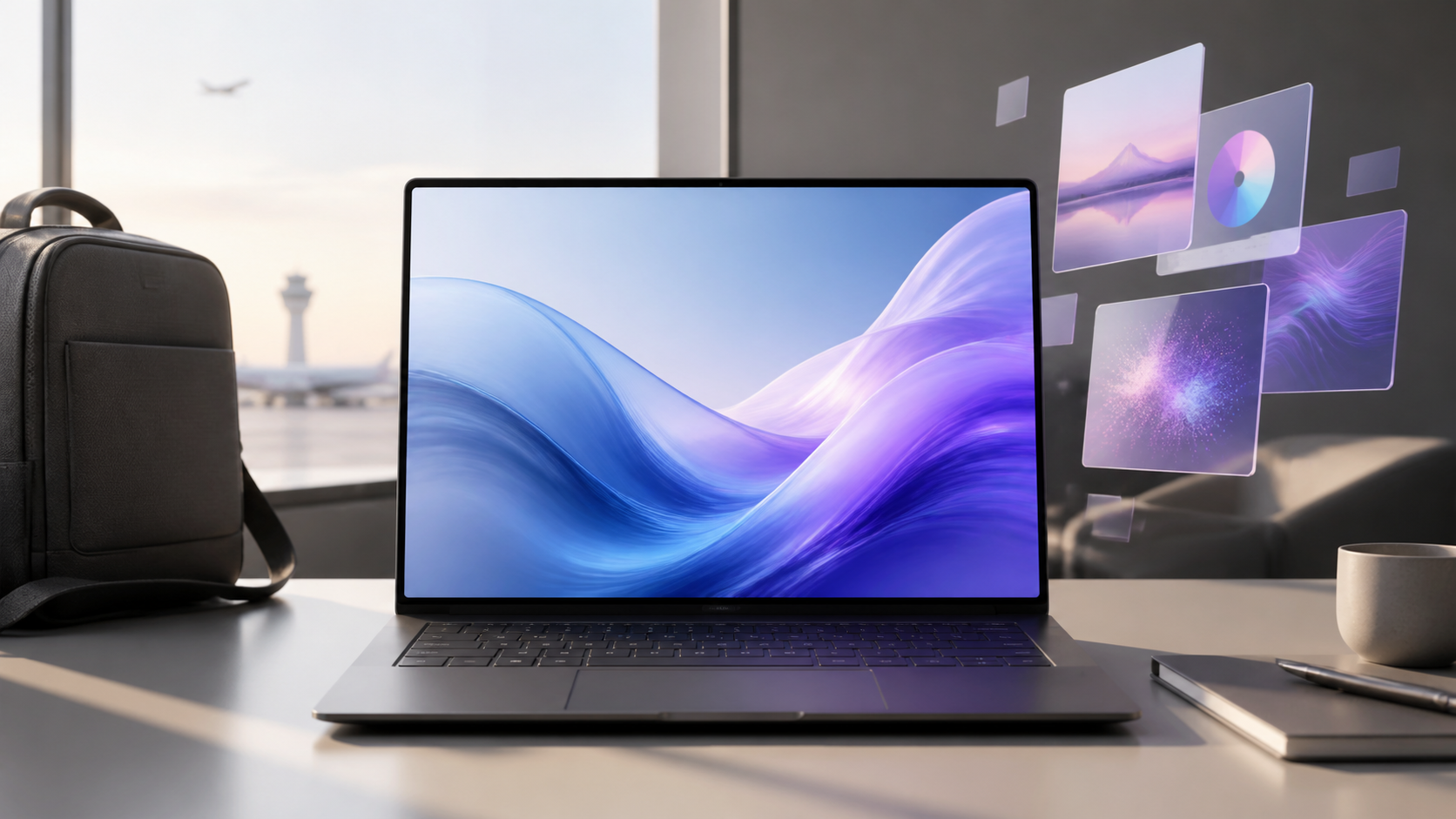
A Lenovo Yoga Slim 7i Ultra Aura Edition review has to answer whether extreme portability is worth an extreme premium. Lenovo’s 14-inch Gen 11 laptop starts at only 975g, or 2.15 pounds, yet combines that weight with a high-resolution 120Hz touch OLED, a 75Wh battery, and current Intel Core Ultra processors.
The problem is price. Lenovo’s US shopping page showed a $2,049.99 build-to-order entry on August 10, 2026. That figure can change with promotions and configuration choices, but it places the Yoga Slim 7i Ultra in territory where buyers should demand more than a light bag.
Gearxis has not handled, benchmarked, battery-tested, or color-measured this laptop. This assessment uses Lenovo’s current US listing and official PSREF, plus ASUS specifications for the closest ultralight alternative. Specifications cannot determine keyboard feel, fan behavior, sustained speed, battery endurance, display accuracy, or long-term durability.
Lenovo Yoga Slim 7i Ultra Aura Edition Review Verdict
Buy it if you travel frequently and need three qualities together: an Intel Windows platform, a 2.15-pound chassis, and a 2880 x 1800 touch OLED suitable for detailed visual work. That combination is uncommon enough to justify a premium for a narrow group of mobile professionals.
Skip it if one of those requirements can move. A heavier conventional ultrabook can cost less and include more ports. A similarly light Snapdragon laptop can also cost less. A performance-focused laptop can provide stronger sustained graphics at the expense of weight. Lenovo’s value depends on refusing all three compromises.
The 975g Chassis Is the Product
Lenovo lists dimensions of 12.31 x 8.42 x 0.55 inches and a starting weight of 2.15 pounds. The magnesium-aluminum chassis makes this a credible option for frequent flights, long commutes, and workdays that involve carrying a laptop between rooms or client sites.
The word “starting” matters. Lenovo says actual weight varies with components and manufacturing. The power adapter, protective sleeve, and any dongle also belong in the travel total. A lightweight laptop that requires a hub for every desk may save less bag weight than the bare specification suggests.
Still, the chassis has a clear purpose. Compared with a 3-pound laptop, it removes roughly 13.6 ounces before accessories. That difference is more meaningful after hours of carrying than it appears on a spec sheet. The question is whether you need to pay more than $2,000 to obtain it.
The OLED Display Makes the Strongest Premium Case
The 14-inch panel is specified at 2880 x 1800 with a 16:10 aspect ratio, touch input, and refresh rates up to 120Hz. Lenovo lists 500-nit typical SDR brightness, 1,100-nit HDR peak brightness, 100% P3 coverage, Dolby Vision, and DisplayHDR True Black 1000.
Those specifications support a sharper and smoother workspace than a basic 1920 x 1200, 60Hz panel. Touch is useful for direct navigation and presenting material across a table, although Lenovo’s PSREF says pen input is not supported. Buyers expecting a drawing or note-taking convertible should not mistake touch support for an active-pen workflow.
The display is glossy. Reflections can matter in airports, cafes, and bright offices even when a panel has a strong brightness rating. Gearxis cannot verify color accuracy, PWM behavior, outdoor visibility, or calibration consistency without measurement. Treat the certifications and gamut figures as documented capabilities, not a guarantee that every creative workflow is ready without profiling.
Configuration Choices Need More Attention Than the “Ultra” Name
Lenovo’s US page highlights an Intel Core Ultra 7 355, 32GB of onboard memory, integrated Intel graphics, and storage up to 2TB. The broader Gen 11 PSREF lists additional Core Ultra processors, memory options from 16GB through 64GB, and one M.2 2242 PCIe 4.0 SSD slot. Availability varies by market and configuration.
Memory is soldered and has no upgrade slot. Choose the capacity for the laptop’s full service life rather than assuming it can be expanded later. The SSD occupies the single storage slot, so a future capacity change means replacing the drive rather than adding a second one.
The Intel platform is the practical reason to favor Lenovo over an Arm-based ultralight when your workflow depends on Windows software, drivers, peripherals, or business tools that you have already verified on x86. It is not proof of faster performance. This article has no controlled CPU, GPU, NPU, thermal, or application results.
Integrated graphics also define the limit. Lenovo markets the machine for creative tasks and even mobile gaming, but manufacturer language does not establish frame rates or rendering speed. Buyers doing sustained 3D, heavy video effects, or GPU compute should compare measured results with a heavier laptop offering discrete graphics.
Three Thunderbolt Ports Are Flexible but Not Convenient for Everyone
The standard port list is unusually focused: three Thunderbolt 4 connections with USB Power Delivery and DisplayPort support. Lenovo says the system can drive up to three external displays through Thunderbolt, subject to resolution and display-pipe limits.
What is missing may matter more. The official specification lists no HDMI, USB-A, 3.5mm audio jack, memory-card reader, or built-in Ethernet. A photographer importing from a card, a presenter using an HDMI projector, or an office worker connecting a conventional USB receiver will need an adapter or dock.
All three ports use the same modern connector, but one may be occupied by charging. Before buying, list the devices used during a normal workday and price the smallest suitable hub. Include its weight in the portability comparison. The laptop’s clean edges do not remove those connections from your workflow.
Battery Capacity Looks Strong; Runtime Remains a Claim
A 75Wh battery is substantial for a 975g laptop. Lenovo reports maximum results of 19 hours in MobileMark 30 at 250 nits and 27 hours of local 1080p video at 150 nits. It also claims three hours of runtime from a 15-minute charge when the laptop is hibernating or shut down.
Those are Lenovo test outcomes, not Gearxis results. A 120Hz OLED at higher brightness, video calls, browser workloads, wireless conditions, performance modes, and background applications can produce a different result. The battery capacity is encouraging because it provides a real hardware foundation; the published maximum should not be treated as a promise for a full working day.
Yoga Slim 7i Ultra vs ASUS Zenbook A14
The ASUS Zenbook A14 is the clearest weight-focused alternative. ASUS showed a $1,599.99 starting price and a starting weight of 2.18 pounds during this check. Lenovo was only 0.03 pound—or 0.48 ounce—lighter, while its listing was $450 higher.
That is a 28.1% listing-level premium, but it is not a configuration-matched price comparison. ASUS sells several A14 versions. Its baseline specification uses a Snapdragon platform and a non-touch 1920 x 1200 60Hz OLED, while other variants can differ. ASUS also lists two USB4 Type-C ports, USB-A, HDMI, and a 3.5mm audio jack, which may eliminate a hub for common peripherals.
Choose Lenovo when Intel compatibility, the 2880 x 1800 120Hz touch panel, three Thunderbolt 4 ports, or higher available memory directly supports your work. Choose ASUS when low weight and lower entry price matter more, and after verifying that its processor, Windows-on-Arm compatibility, display, and configuration meet your needs.
The Gearxis Portability-Premium Test
Award one point for each statement that is true:
- Your laptop is carried for hours each week, so saving weight has recurring value.
- A 120Hz, high-resolution touch OLED materially improves work you already do.
- You have verified that your required apps and peripherals benefit from or require the Intel platform.
- You need at least 32GB of memory and will choose the final capacity at purchase.
- A Thunderbolt hub is already part of your desk, so the missing built-in ports add little friction.
At four or five points, the Yoga Slim 7i Ultra has a coherent role that cheaper machines may not fill. At two or three, compare a configured Lenovo price with a configured Zenbook A14 and a slightly heavier Intel ultrabook. At zero or one, the premium is buying specifications you are unlikely to use.
The Lenovo Yoga Slim 7i Ultra Aura Edition is not simply “too expensive.” It is too expensive for buyers who only need a light everyday laptop. Its price becomes defensible only when the sub-1kg chassis, premium touch display, Intel compatibility, and memory choice solve simultaneous requirements. Remove any one of those constraints and the alternatives become much easier to recommend.