
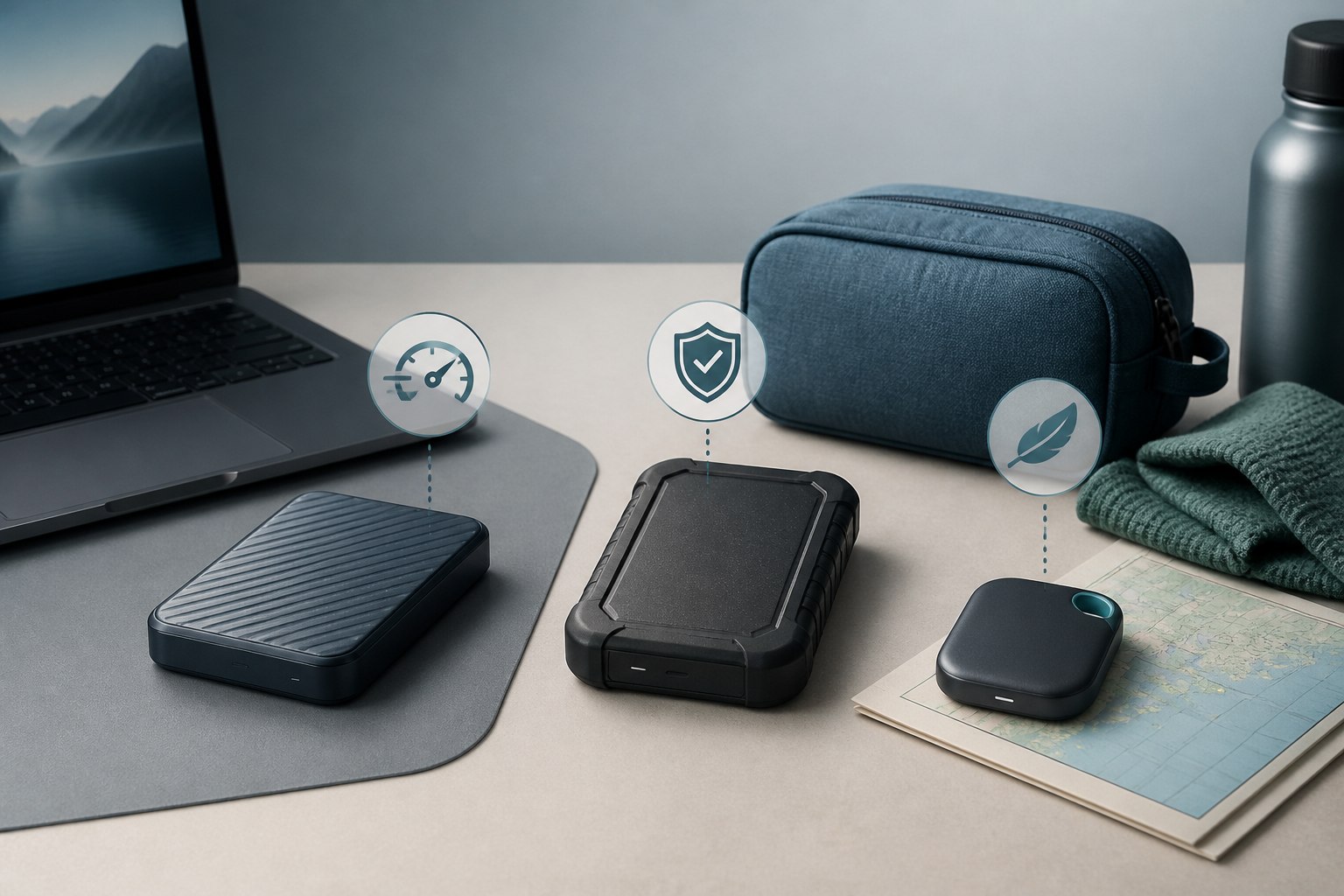
The best portable SSDs are not simply the drives with the largest speed number on the box. Your computer’s port determines how much of that performance you can use, while capacity, durability, size, and backup habits determine whether the drive actually fits your work.
For a current USB4 computer and demanding media work, the SanDisk Extreme PRO with USB4 has the highest manufacturer-rated speed in this group. The Samsung T9 and Crucial X10 Pro make more sense for a Windows PC that explicitly supports USB 3.2 Gen 2×2. The Samsung T7 Shield prioritizes field durability over peak speed, while the tiny Kingston XS1000 is a straightforward choice for routine transfers and backups.
Gearxis did not benchmark, drop-test, or own these drives for this guide. The recommendations below are based on manufacturer specifications, documented interface requirements, and a port-first decision framework. Advertised speeds are ceilings measured under controlled conditions, not promises for every file transfer.
The Quick Picks
| Best for | Portable SSD | Interface | Manufacturer-rated sequential speed | Why it stands apart |
|---|---|---|---|---|
| Fast USB4 workflows | SanDisk Extreme PRO with USB4 | USB4 Gen 3×2 | Up to 3,800MB/s read, 3,700MB/s write | Highest claimed speed here; Thunderbolt 4 support |
| USB 20Gbps PCs | Crucial X10 Pro | USB 3.2 Gen 2×2 | Up to 2,100MB/s read, 2,000MB/s write | Compact creator-focused 20Gbps option |
| Samsung software users | Samsung T9 | USB 3.2 Gen 2×2 | Up to 2,000MB/s read; up to 1,950MB/s write for 1TB/2TB or 2,000MB/s for 4TB | Samsung Magician support and capacities through 4TB |
| Rugged everyday travel | Samsung T7 Shield | USB 3.2 Gen 2 | Up to 1,050MB/s read, 1,000MB/s write | IP65 rating and no need for a 20Gbps port |
| Minimum pocket weight | Kingston XS1000 | USB 3.2 Gen 2 | Up to 1,050MB/s read, 1,000MB/s write | 28.7g body with Type-A and Type-C connectivity |
Do not treat these advertised figures as directly measured Gearxis results. Large sequential transfers are the most favorable workload for headline speeds. Small files, a nearly full drive, heat, encryption, filesystem choice, cable quality, and the host can all change actual performance.
Choose the Port Before the Drive
The familiar USB-C shape tells you how a cable plugs in; it does not tell you the data rate. Start with the detailed specification for your exact laptop, desktop, tablet, or phone.
- If the host supports USB4 and you routinely move very large video or project files, a USB4 SSD can reduce transfer time.
- If the host explicitly supports USB 3.2 Gen 2×2 at 20Gbps, a drive such as the X10 Pro or T9 can use that tier.
- If the host offers USB 10Gbps, a well-chosen 10Gbps drive is usually the rational ceiling. Paying extra for a 20Gbps model will not turn the port into a faster one.
- If the device has only slower USB or an uncertain cable, resolve that bottleneck before comparing SSDs.
This is the guide’s most important decision rule: buy no more interface speed than your computer and normal workload can use. Then use protection, capacity, software, physical size, warranty, and current price to break the tie.
SanDisk Extreme PRO with USB4: Best for Fast USB4 Workflows
SanDisk rates its newer Extreme PRO with USB4 for reads up to 3,800MB/s and writes up to 3,700MB/s. It supports Thunderbolt 4 and remains backward-compatible with older USB connections, although a slower connection also means lower performance. The drive is offered in capacities up to 4TB and carries a five-year limited warranty.
This is the most defensible pick for editors, photographers, and other professionals who already own a compatible high-bandwidth computer and regularly move files large enough to benefit. It is excessive for occasional document backups or a 10Gbps-only machine. Check the exact model before buying: SanDisk also sells older Extreme PRO portable drives with different interfaces and lower speed ceilings.
Check the SanDisk specifications
Crucial X10 Pro: Best Match for a USB 20Gbps PC
The Crucial X10 Pro uses USB 3.2 Gen 2×2 and is rated for up to 2,100MB/s reads and 2,000MB/s writes. Crucial offers 1TB, 2TB, and 4TB capacities. Its official material also emphasizes sustained writes, but sustained performance still depends on the workload and system; Gearxis has not independently measured that claim.
Choose the X10 Pro when your PC explicitly lists 20Gbps USB support and your work involves repeated large transfers. Skip it when your computer tops out at 10Gbps or when a USB4 model is reasonably priced for a USB4 workflow. The interface name matters more than the fact that the connector is USB-C.
Check the Crucial specifications
Samsung T9: Best for Samsung’s Management Ecosystem
Samsung rates every T9 capacity for sequential reads up to 2,000MB/s through USB 3.2 Gen 2×2. The 1TB and 2TB versions are rated for writes up to 1,950MB/s, while the 4TB version reaches a claimed 2,000MB/s. The drive works with Samsung Magician software for functions including firmware updates, health information, and security management.
The T9 is a sensible alternative to the X10 Pro when you value Samsung’s software and support ecosystem. Samsung states that reaching the maximum speed requires a compatible USB 3.2 Gen 2×2 host, the appropriate cable, and UASP. If your computer lacks that support, compare price and practical features against a 10Gbps drive instead of assuming the T9 will run at full speed.
Our focused Samsung T9 versus SanDisk Extreme PRO comparison explains why the exact SanDisk model and host port must be checked before purchase.
Check the Samsung T9 specifications
Samsung T7 Shield: Best for Rugged Everyday Travel
The T7 Shield trades the 20Gbps tier for a more broadly useful USB 3.2 Gen 2 connection. Samsung rates it for up to 1,050MB/s reads and 1,000MB/s writes and lists IP65 water and dust resistance. It is available through 4TB.
That combination makes sense for field work, frequent commuting, or travel where protection matters more than shaving every possible second from a large transfer. An IP rating does not make data indestructible, and water resistance is not permission to use the drive carelessly. Keep another copy of important files elsewhere. Buyers who work mainly at a desk and already have a 20Gbps or USB4 host may prefer a faster model.
Check the Samsung T7 Shield specifications
Kingston XS1000: Best When Small Size Matters Most
At a listed 28.7g, the Kingston XS1000 is the lightest option in this shortlist. Kingston rates it for up to 1,050MB/s reads and 1,000MB/s writes and offers 1TB and 2TB capacities. The included connection setup accommodates USB Type-A and Type-C hosts, which is useful when files move between older and newer computers.
The XS1000 is a strong fit for students, office users, and travelers who want fast routine storage without carrying a rugged brick. It is not the pick for buyers chasing 20Gbps or USB4 speeds, and its maximum 2TB capacity is less flexible than the 4TB options elsewhere in this guide.
Check the Kingston XS1000 specifications
Capacity, Format, and Backup Matter Too
Capacity should reflect both today’s files and the space needed over the drive’s useful life. A 1TB drive is a practical starting point for documents and moderate photo libraries. Video projects, large game libraries, and consolidated travel backups can justify 2TB or 4TB. Compare the same capacity when judging prices because a cheap 1TB listing can make a product family look less expensive than it is for your needs.
Also confirm the filesystem before moving important data. A drive formatted only for one operating system may need to be reformatted for another, which erases its contents. Cross-platform formats can improve convenience but involve their own feature and compatibility trade-offs.
Most importantly, a portable SSD is not a backup merely because it is external. If the only copy of a project is on the drive, loss, theft, damage, filesystem corruption, or controller failure can still remove it. Keep important data in at least one additional location, ideally with one copy separate from your everyday devices.
Who Should Skip a Portable SSD?
Choose an external HDD when the priority is inexpensive bulk capacity and the drive will remain mostly stationary. Consider a NAS when several people or devices need shared network access and centralized backups. A separate NVMe SSD and enclosure can suit enthusiasts who want to choose both components, but it adds compatibility, thermal, support, and assembly decisions that a finished portable SSD avoids.
For everyone else, start with the port. USB4 users with demanding files should evaluate the SanDisk Extreme PRO with USB4. A confirmed 20Gbps Windows PC opens the door to the Crucial X10 Pro or Samsung T9. The T7 Shield is the practical rugged choice, and the XS1000 prioritizes minimal weight. That sequence produces a better purchase than ranking drives by one laboratory-friendly number.