
The best laptops for everyday use in 2026 are the ones that run your required software, provide enough memory for your real workload, and remain comfortable to carry and maintain. For typical browsing, documents, video calls, streaming, and light photo work, that usually matters more than choosing by processor label alone.
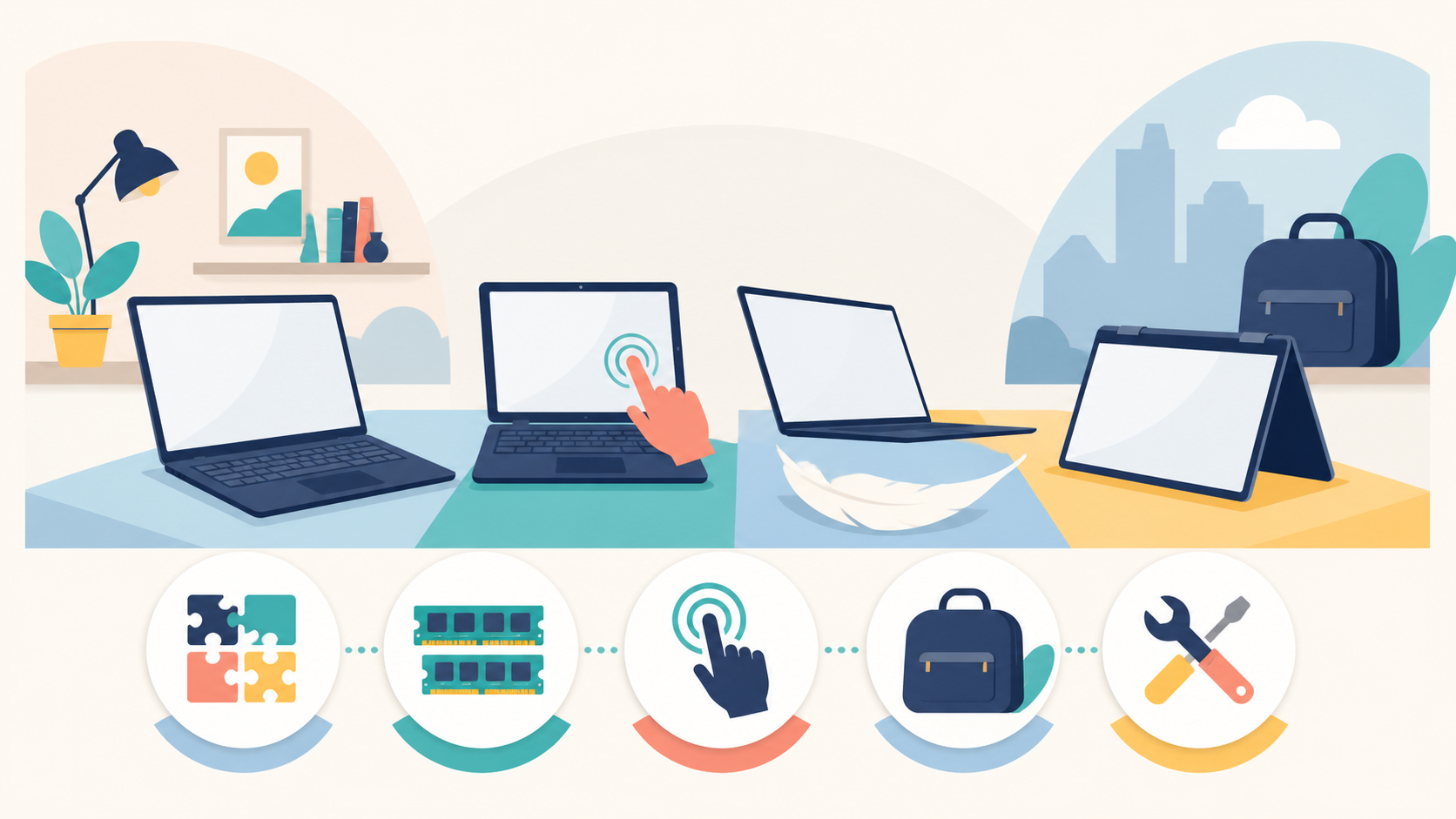
Our four picks solve different problems. The MacBook Air M5 is the straightforward choice for people already committed to macOS. The Surface Laptop 13-inch favors compact Windows mobility. The ASUS Zenbook A14 cuts more bag weight while asking for the same Windows-on-Arm compatibility check. The HP OmniBook X Flip 14 trades some portability for an Intel platform, a convertible touchscreen, and a broader built-in port selection.
Four Everyday Laptops, Four Different Priorities
| Pick | Best reason to choose it | Check before buying | Skip it when |
|---|---|---|---|
| MacBook Air 13-inch (M5) | You want a light macOS laptop with a strong base memory and storage configuration | Every required app, accessory, and workflow supports macOS | Windows-only software or gaming is central |
| Surface Laptop 13-inch | You want a compact touchscreen Windows laptop with USB-A built in | Drivers, peripherals, VPNs, and specialist apps support Windows on Arm | You need guaranteed x86 driver compatibility or pen input |
| ASUS Zenbook A14 | Minimum carrying weight and a larger OLED screen are the priority | The exact SKU has the processor, memory, battery, and wireless configuration you expect | You rely on unsupported Arm drivers or prefer a higher-resolution panel |
| HP OmniBook X Flip 14 | You need touch, optional pen use, Intel compatibility, and several built-in ports | The selected configuration has the display, battery, memory, and charger you want | You never use tablet mode and value the lightest possible bag |
Gearxis did not conduct hands-on tests or independent battery benchmarks for this guide. We compared official specifications and support documentation available on August 18, 2026. Configuration, availability, warranty, and manufacturer battery claims can change, so verify the exact US SKU before ordering.
Best Mac Choice: MacBook Air 13-inch With M5
Apple’s 13-inch MacBook Air specification gives the M5 model a practical starting point: 16GB of unified memory and a 512GB SSD, with 24GB or 32GB memory and up to 4TB storage available as options. It weighs 2.7 pounds and includes MagSafe charging, two Thunderbolt 4 ports, and a headphone jack.
This is the cleanest recommendation when your existing apps, cloud services, phone integration, external displays, and peripherals already work with macOS. The base configuration avoids the 8GB-memory question that still appears on some lower-cost PCs. Apple also rates the machine for up to 15 hours of wireless web use and 18 hours of streamed video, but those are controlled manufacturer estimates rather than Gearxis results.
The limitations are equally clear. Two USB-C ports may mean carrying a hub, memory and storage are chosen at purchase, and a Mac is the wrong answer for a Windows-only application or game. Before choosing it, use the Gearxis MacBook compatibility checklist rather than assuming a browser-based daily routine covers every occasional task.
Choose it if: macOS compatibility is confirmed and you want one portable configuration for routine work, calls, and media.
Skip it if: Windows-only software, serviceable upgrades, touch input, or broad built-in ports are requirements.
Best Compact Windows Choice: Surface Laptop 13-inch
The current Surface Laptop 13-inch pairs an eight-core Snapdragon X Plus with a 13-inch 1920-by-1280 touchscreen. At 2.7 pounds, it matches the 13-inch MacBook Air’s listed weight while adding a USB-A port beside two USB-C ports and a headphone jack. Microsoft rates it for up to 16 hours of active web browsing, but actual endurance depends on settings and workload.
Its defining trade-off is architecture. Microsoft says most everyday Windows apps run smoothly on Arm through native versions or emulation. However, its Arm compatibility guidance also says driver-dependent apps and peripherals require compatible Arm drivers. Check printers, scanners, specialist VPNs, accessibility tools, security software, audio hardware, and any old utility that installs a driver.
The 13-inch display supports touch but not Surface Pen input. That makes it useful for direct navigation, not a substitute for a drawing tablet or convertible. Microsoft also documents replacement components and service guidance, although availability and repair difficulty vary.
Choose it if: compact size, touch navigation, Windows, and a built-in USB-A port matter more than pen support.
Skip it if: one unverified driver or specialist application could stop your work.
Best Ultralight Windows Choice: ASUS Zenbook A14
The ASUS Zenbook A14 UX3407 is the mobility specialist. Selected configurations weigh about 2.16 pounds, roughly half a pound less than the MacBook Air and Surface Laptop picks. ASUS lists a 14-inch OLED panel, a 70Wh battery, two USB4 Type-C ports, USB-A, HDMI, and a headphone jack.
That combination makes sense for frequent travel: less laptop weight without immediately requiring a display or USB-A adapter. It also offers more physical ports than the MacBook Air. The caution is that the A14 product family spans multiple Snapdragon processors, memory amounts, chargers, wireless versions, and even battery options depending on SKU and region. Read the configuration line, not just the family name.
Like the Snapdragon Surface, the A14 requires a Windows-on-Arm check. Native browser, Microsoft 365, meeting, and media workflows may be straightforward, but an old peripheral driver can reverse the buying decision. Its 1920-by-1200 OLED is also aimed more at mobility and contrast than maximum desktop workspace.
Choose it if: every ounce in the bag matters and your software and peripherals are Arm-ready.
Skip it if: architecture compatibility is uncertain or a higher-resolution screen matters more than weight.
Best Convertible and Port Selection: HP OmniBook X Flip 14
The HP OmniBook X Flip 14-kb0000 series is the broadest hardware fit here. HP lists Intel Core Ultra processors, 16GB, 24GB, or 32GB of onboard memory, and touchscreen options ranging from a 1920-by-1200 IPS panel to a 2880-by-1800 120Hz OLED. Its port selection includes two Thunderbolt 4 ports, two USB-A ports, HDMI 2.1, and audio.
The x86 Intel platform removes the specific Arm-driver question attached to the Surface and Zenbook, although every specialist app still deserves its own operating-system and hardware check. The 360-degree hinge and optional pen also support annotation, presentations, and occasional tablet use. Those features add little value if the laptop will remain on a desk in standard notebook mode.
HP lists weight below 1.4kg, or about 3.1 pounds, with either a 59Wh or 70Wh battery depending on configuration. It is therefore the heaviest pick in this group, and its flexibility comes with more SKU variation. Confirm the panel, memory, battery, included charger, and pen status separately.
Choose it if: touch or pen use, x86 Windows compatibility, and avoiding a hub are more important than minimum weight.
Skip it if: you do not need the convertible hinge or extra ports and carry the laptop all day.
Use This Five-Gate Check Before Comparing Prices
- Compatibility: List the required operating system, applications, drivers, peripherals, VPN, exam tools, and accessibility software. Eliminate incompatible machines first.
- Memory and storage: Choose capacity for the busiest realistic week, not an empty desktop. For a deeper workload breakdown, see how much RAM you need.
- Interaction: Decide whether touch, pen input, external displays, HDMI, or USB-A solves a weekly need. Do not pay and carry extra hardware for a hypothetical use.
- Mobility: Compare laptop and charger weight, real hours away from an outlet, and screen size. Manufacturer battery estimates are useful for comparing test claims, not promises of your result.
- Service life: Check warranty, repair process, battery service, replacement-part availability, and whether memory or storage can be upgraded. A modest repair may be better than replacing an otherwise suitable laptop.
This order prevents a familiar mistake: choosing a thin, attractive machine and discovering the compatibility problem afterward. It also explains why this guide has no universal winner. An Arm-based laptop can be an excellent everyday device for a verified browser-and-office workflow, while an Intel convertible is safer for someone with legacy hardware. A MacBook is simple only after macOS compatibility is established.
Do not buy any of these for high-end gaming, sustained 3D rendering, professional multi-stream video work, or large local AI models merely because it is described as premium. Those specialist workloads fall outside this everyday-use guide.
For ordinary work, start with compatibility and 16GB or more of memory, then pay for the feature you will actually use: macOS integration, the Surface’s compact touch format, the Zenbook’s lower carrying weight, or the HP’s convertible design and ports. That produces a better everyday laptop than selecting the longest specification sheet.